Ten network drives, eighty people, and no agreement about where anything goes.
Eighty employees, ten network drives, no conventions. The mandate was a SharePoint migration. Copying ten drives into one didn't fix anything, so the real job was building a structure everyone would actually use and benefit from.
An 80-person company with no shared idea of where anything lives.
ACRO ran on more than ten mapped network drives. G, I, J, K, L, Q, T, X, Z, each evolved independently, without structure or ownership. Departments had their own drives but also saved to shared ones. Personal folders lived next to company-wide resources with no separation. Nobody had a clear mental model of where to look, and nobody was wrong to be confused.
Migrate department files off legacy network drives into SharePoint. Move fast where possible.
No information architecture existed to migrate into. A direct copy would relocate the chaos, not fix it.
Engineering CAD deferred: it needs a PDM system, not SharePoint. Marketing media excluded. Wide range of tech comfort across staff. One engineering tool, RoboGuide, silently loses work on file paths over roughly 100 characters, so the new structure couldn't lengthen paths.
Survey first. Structure second.
I didn't show up with a structure. Discovery was about finding how people actually worked, where files really lived, and what the mess was costing them. A 14-person survey went across Engineering, Sales, Admin, Machining, and Shop. Stakeholder meetings with department leads followed. Every mapped drive was inventoried: file types, ownership, and SharePoint readiness.
14 respondents across Engineering, Sales, Admin, Machining, and Shop. April 2026.
"I don't know where to look." Surfaced independently in every department, at every role level.
SolidWorks write conflicts cost 15 to 30 minutes per incident. Engineers asked for a PDM system by name, independently. That confirmed the decision to keep CAD out of scope.
A request as basic as "our most profitable jobs over the last 5 years" could not be compiled. The data existed. It was spread across drives nobody owned, in formats nobody agreed on.
"Even after working at ACRO for 10 months, it is challenging to find documents that I need to use fairly frequently like design standards."
Mechanical Engineering · Survey, April 2026
"Wanted to know our most profitable jobs over the last 5 years. This cannot be compiled."
Sales · Survey, April 2026
- G: / T: · Sales files
- I: · Engineering tools & dept files
- J: · de facto company forms library
- K: · shared + personal foldersanti-pattern
- K:\nschilling · personal files in shared space
- K:\LHeggernes
- ...a personal folder for nearly every employee
- L: · EPLAN electrical files
- Q: · SolidWorks library
- Z: · 400+ numbered engineering project folders
- Personal OneDrives · unmanaged
- Local drives & desktops
When a new employee asked where to save a file, they got a different answer from every person they asked. Nobody was lying. Everyone had built their own working model of a system that had no real structure.
- Resources · company-wide, self-service
- Forms & Templates
- HR Policies & Handbook
- Branding & Assets
- Safety Documentation
- Department Team Sites · operational
- HR
- Sales
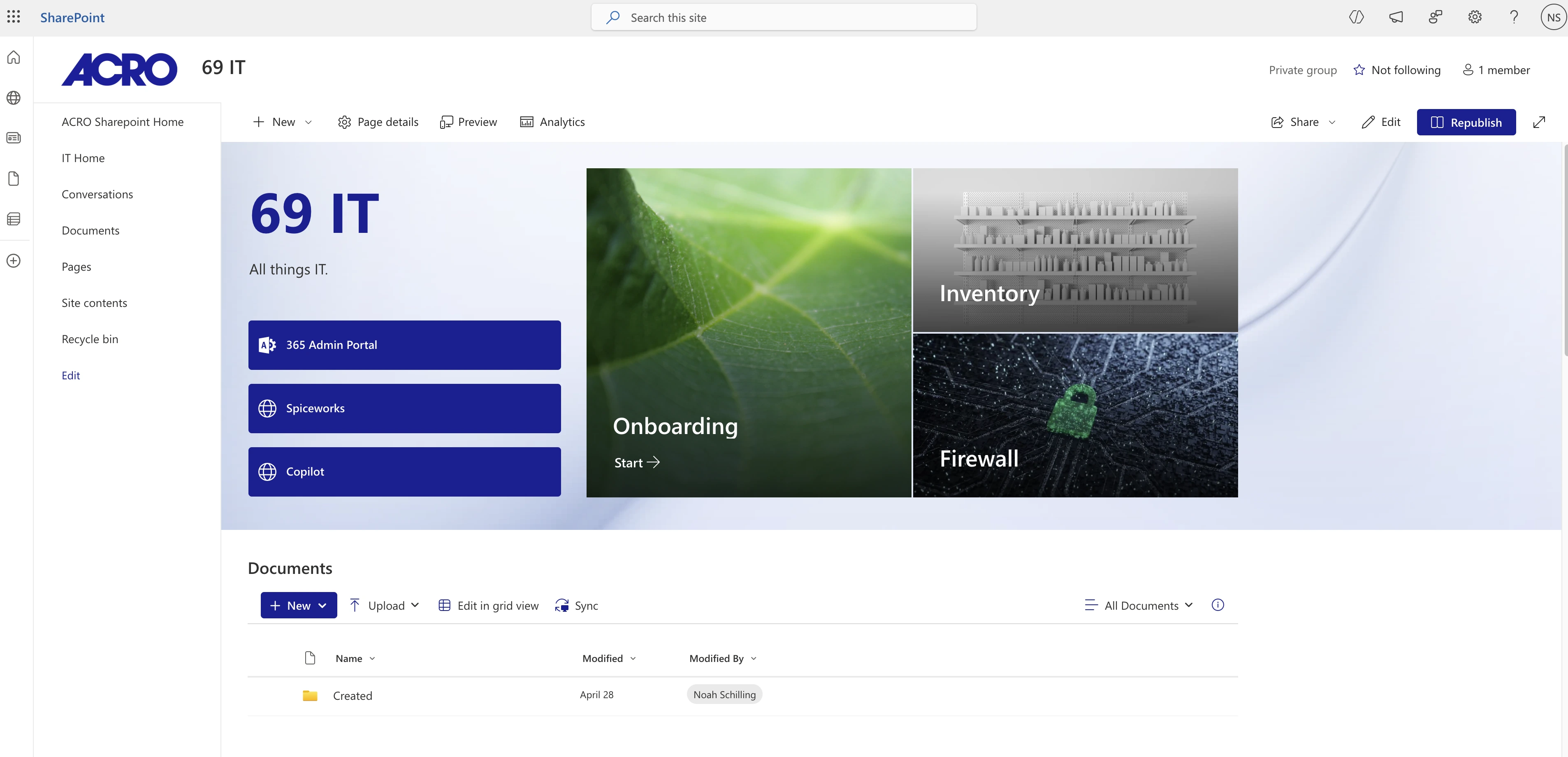
- IT
- Administration
- Machine Shop
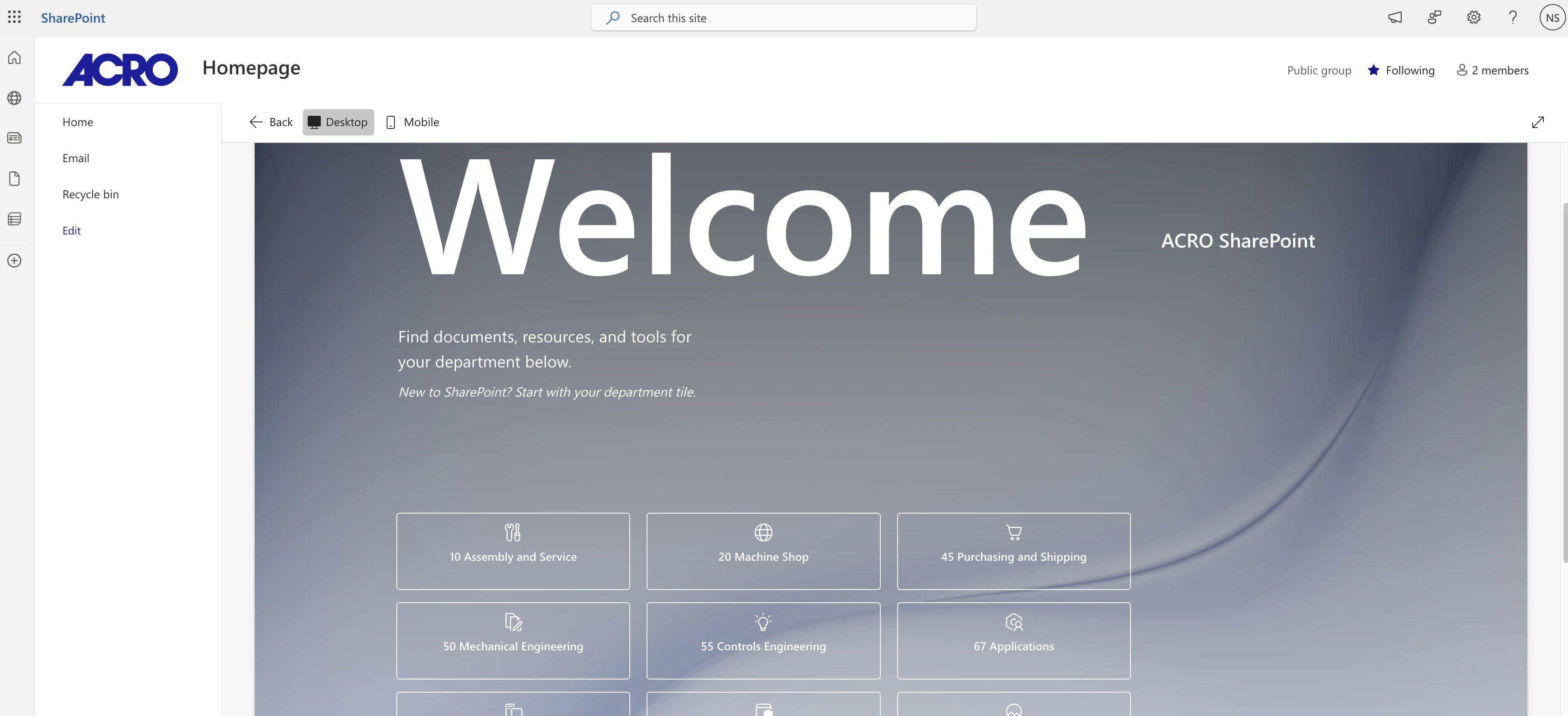
- Assembly & Service
- Purchasing & Shipping
- Controls Engineering
- Mechanical Engineering · non-CAD
- Engineering CAD → PDM system · separate project
The rule eliminates the guesswork. Users don't guess which drive to check. They know whether they need a company form (Resources) or a department document (Team Site), and that answer is always the same.
Nobody set out to build this. Ten drives of habit is still a structure, it just wasn't one anyone chose.
The thing that actually broke at ACRO was ambiguity. People didn't know where to look, files got duplicated, and no version was ever clearly the right one. The two-tier architecture was built on one rule. Company-wide files live in Resources; department-specific files live in Team Sites. That rule makes every file decision obvious. There is no grey area, no "which version is current."
Departments were not asked to hand their files to someone else to organize. They got the destination structure and the responsibility to clean their own drives before migration. If I built the structure for each department, it wouldn't match how they actually work, and it certainly wouldn't persuade anyone to break old habits.
Active project. Outcomes being tracked.
This case study is being written in real time. The architecture is designed and deployed, and department migrations are rolling out in phases. Adoption rates, time-to-find improvement, and the volume of "where is X?" requests will be logged here as the migration moves through the remaining departments.